

 ARCHIVED - Username and Hostname to panel
Adds your avatar icon, user displayname und username to the menu panel. Also it adds the hostname to the left of the panel.
 Adjust Display Brightness
Simple GNOME extension to control displays' brightness via DDC. It requires ddcutil to be installed, I2C permissions for non-root users configured.
 Analog Clock
Adds a small analog clock to the left of the time/date display.
Bottom Panel
Moves the top panel to the bottom.
CUID Generator
Generates a CUID and copy it to clipboard (due to few static variables, it is intended for development process only, not for production).
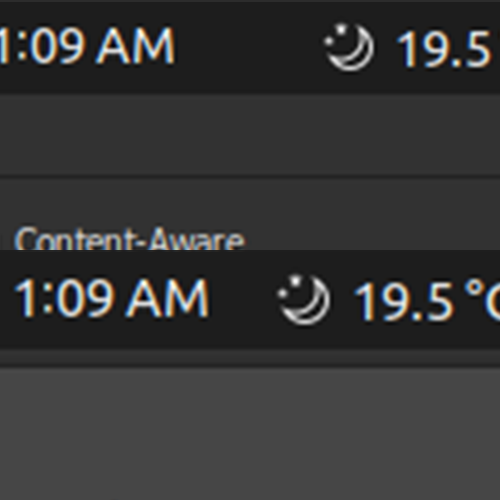 Center Area Horizontal Spacing Fixed
Reduce the horizontal spacing between icons in the top-center icon area.
 ClipFlow Pro
A modern, powerful clipboard manager for GNOME Shell with intelligent organization, beautiful UI, and comprehensive history management.
 Comfort Control (EaseHub)
Comfort Control (EaseHub) is a powerful panel menu designed to streamline your GNOME workflow. It unifies system controls, developer shortcuts, and smart utilities into a single, easy-to-access location.
Desktop Folder
An easy way to open the desktop folder.
 Espresso
Espresso disables the usual auto suspend and screensaver functionality and optionally Night Light with options to show an Espresso icon in the top panel, to enable Espresso when a fullscreen application is running, to restore state across reboots, to provide notifications, to enable Espresso when specific applications are running, or to pause Night Light when Espresso is enabled or only when specific applications are running. Espresso also provides some support for docking stations including options to enable Espresso when charging and/or when docked to external monitors and to allow temporarily overriding the docking support without affecting the stored state.
 Extend Panel Menu
Move the Power/Network/Volume/User/Date/Notifications menus to the status area
 Fedora Linux Updates Indicator
Update indicator for Fedora Linux and GNOME Shell.
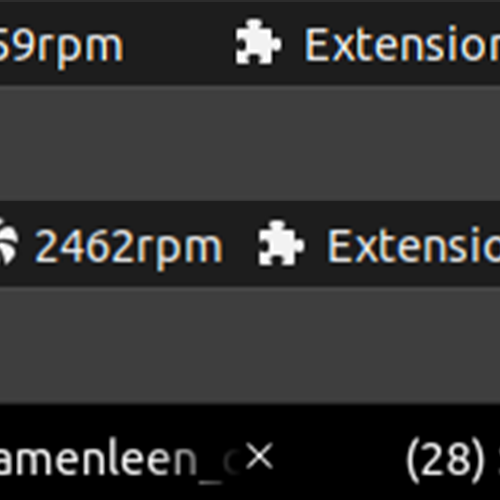 Icon Area Horizontal Spacing Fixed
Reduce the horizontal spacing between icons in the top-left icon area.
Lock Screen
Provides a status menu and/or entries in the user menu to lock screen.
 Magfix
Magnifier cursor shift fix.
 Magnifier Improvements
Makes a number of improvements in the magnifier mode: the pointer moves smoothly, corrects the appearance of scrolling lists, such as the application menu or search results.
 Numeric Date And Clock
Numeric Clock replaces the GNOME top-bar clock with a clean, fully configurable numeric date/time. Use any strftime format (e.g. %A %d/%m/%Y %H:%M) and see changes instantly in the live preview.
Openboxy Alt-Tab
Replacement of Alt-Tab, behaves similar to that in Openbox.
Presentation Mode Panel
Adds a panel menu to inhibit the screen saver and screen blanking.
Radeon DPM Control
A small extension to manually change Radeon's DPM settings.
Remove Clock
 Right-click For Touch Screen
Adds right-click emulation for touch screen when long press.
 Right-click Gesture
Tap with two fingers followed by tap with one finger causes right-click.
Shutdown Timer
Shutdown Timer extension based on Lukas Knuth's Backslide code at https://bitbucket.org/LukasKnuth/backslide
Simple Font Manager
Quickly enable/disable groups of fonts.
Thanatophobia
Displays your age in real time.
 Timer
Timer
A simple GNOME extension that provides a panel timer with an alarm sound notification.
Top Bar Script Executor
Adds buttons to the top bar that execute scripts or commands
 counter
adds persistent counter to top bar.
