

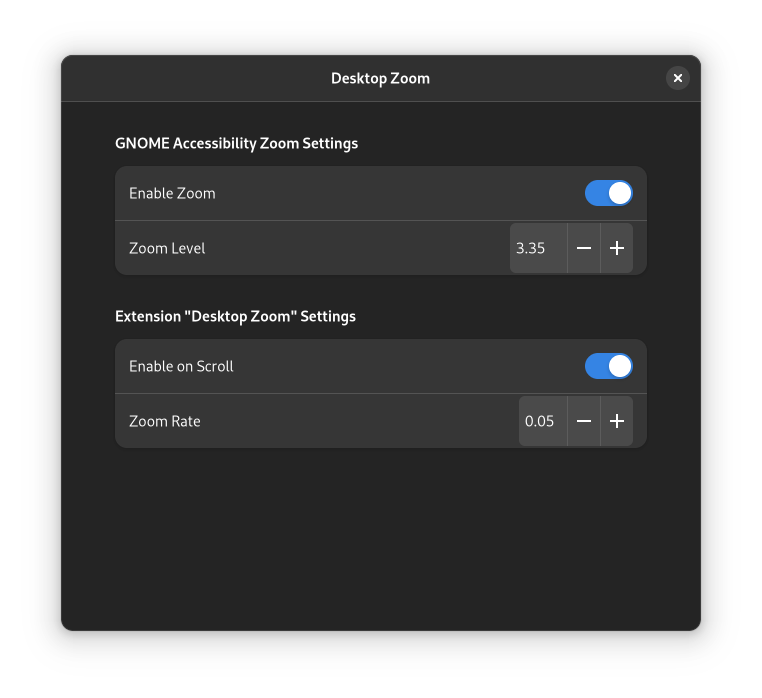
Scroll to zoom gnome desktop. Usage: Hold Alt and Scroll Cursor must not be over a window (must be over background or top bar). Magnifier / zoom must be enabled in accessibility. To disable zoom after removing the extension, disable zoom in gnomes accessibility settings: https://help.gnome.org/users/gnome-help/stable/a11y-mag.html.en Report issues on GITHUB.COM
Unfortunately, to help prevent spam, we require that you log in to GNOME Shell Extensions in order to post a comment or report an error. You understand, right?
| Version | Status | Shell Versions |
|---|---|---|
| 6 | Active |
42
43
|
| 5 | Active |
42
43
|
| 4 | Active |
42
43
|
| 3 | Active |
42
43
|
| 2 | Active |
42
43
|
| 1 | Rejected |
41
42
43
|
User Reviews
Loading reviews…