

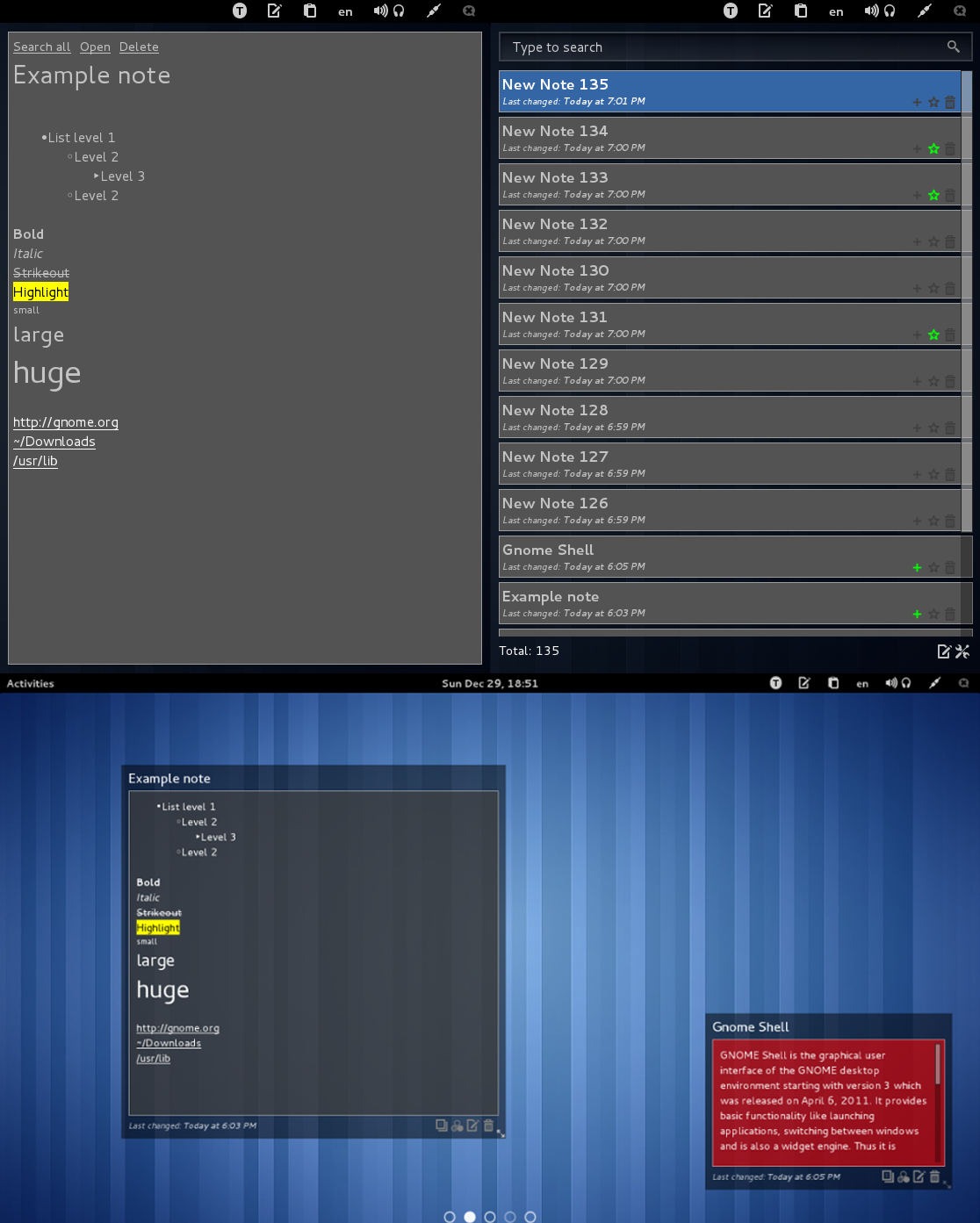
Integration Gnote or Tomboy with gnome-shell By default works with Gnote, you can switch to Tomboy in settings. Search notes(Left-click on panel button or <Super>G): - Start typing to search - Left-click(or <Enter>) - view note - Right-click(or <Ctrl><Enter>) - open in edior - <Delete> - delete - <Up>/<Down> - navigation - <Escape> - close dialog - <Ctrl> + 1-9 - shortcut for first 9 notes Note view: - <Escape> or <BackSpace> - close - <Enter> - open in editor - Hover the mouse over a link to see the preview Desktop notes: - Drag by title to set position - Drag by lower right corner to resize - Scroll with pressed right button - previous/next page - Hover the mouse over a link to see the preview Menu/Pinned notes(Right-click on panel button or <Super><Shift>G): - Click title - open note - Click icon - unpin note - Start typing to create named note
Note: Binary files aren't shown on the web site. To see all files, please download the extension zipfile.
| Version | Status |
|---|---|
| 15 | Active |
| 14 | Active |
| 13 | Active |
| 12 | Active |
| 11 | Active |
| 10 | Active |
| 9 | Active |
| 8 | Active |
| 7 | Active |
| 6 | Active |
| 5 | Active |
| 4 | Active |
| 3 | Active |
| 2 | Active |
| 1 | Active |
 Gnote/Tomboy Integration