

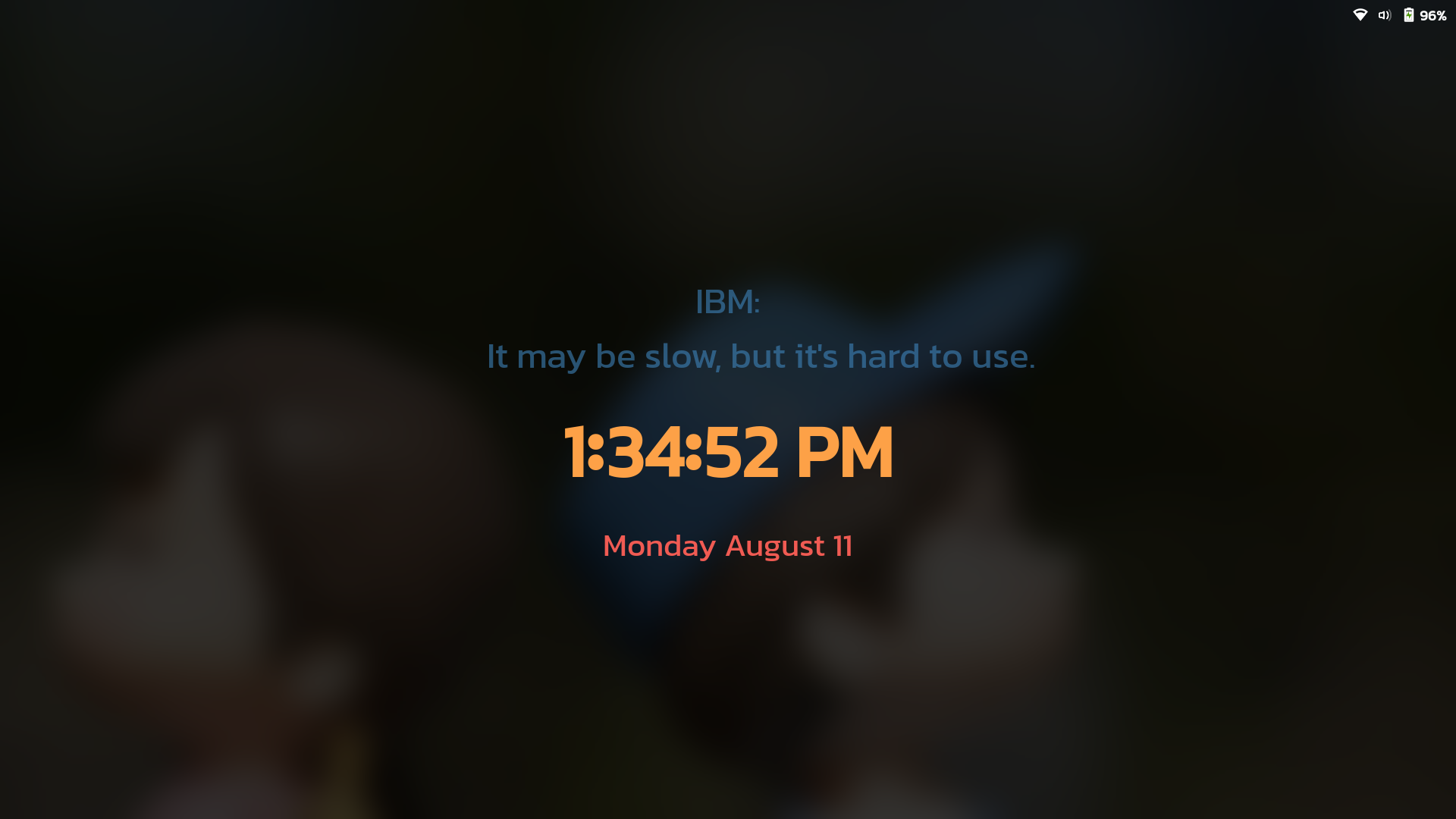
Customize Clock on Lock Screen.
Note: Binary files aren't shown on the web site. To see all files, please download the extension zipfile.
| Version | Status |
|---|---|
| 26 | Active |
| 25 | Rejected |
| 24 | Active |
| 23 | Active |
| 22 | Inactive |
| 21 | Inactive |
| 20 | Inactive |
| 19 | Inactive |
| 18 | Inactive |
| 17 | Inactive |
| 16 | Rejected |
| 15 | Inactive |
| 14 | Rejected |
| 13 | Inactive |
| 12 | Rejected |
| 11 | Inactive |
| 10 | Rejected |
| 9 | Active |
| 8 | Inactive |
| 7 | Active |
| 6 | Inactive |
| 5 | Active |
| 4 | Active |
| 3 | Inactive |
| 2 | Inactive |
| 1 | Inactive |
@JustPerfection With the current code, I found a small bug that when the extension is unlocked, i.e when password is entered the time is displayed before going to desktop for a fraction of second. I have asked a question about this extension in gnome discourse, https://discourse.gnome.org/t/in-a-gnome-extension-about-disable-function-when-only-unlock-dialog-session-modes-is-used/17028. I would like to make the above code to below, would that be ok? My main point is when we use only [unlock-dialog] as a session-mode, the code in disable() will not effect anything when in [user] session mode. ```` import {Extension} from 'resource:///org/gnome/shell/extensions/extension.js'; import * as Main from 'resource:///org/gnome/shell/ui/main.js'; import ModifiedClock from './ModifiedClock.js'; export default class CustomizeClockOnLockScreenExtension extends Extension { enable() { this._settings = this.getSettings(); this._dialog = Main.screenShield._dialog; // this._originalClock = this._dialog._clock; if (this._dialog) { this._dialog._stack.remove_child(this._dialog._clock); this._dialog._clock = new ModifiedClock(this._settings); this._dialog._clock.set_pivot_point(0.5, 0.5); this._dialog._stack.add_child(this._dialog._clock); } } // unlock-dialog is used in session-modes because this extension purpose is // to tweak the clock on lock screen itself. disable() { this._dialog._stack.remove_child(this._dialog._clock); // this._dialog._stack.add_child(this._originalClock); this._dialog = null; this._settings = null; } } ```` With the above code, the bug is eliminated. Thanks
No, it won't be approved. You should revert back to original on disable.
 Customize Clock on Lock Screen