

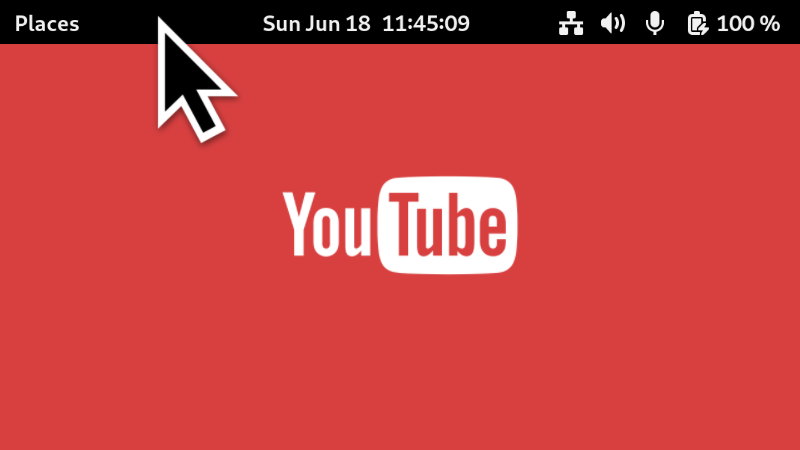
Show the top bar (panel) on demand while having full screen content on (like a YouTube video). Just hover the mouse cursor to the top of the screen, and the panel will show up. This way, you can quickly check the time, or swich some toggles. This is similar to what macOS offers for full screen apps. This extension is incompatible with Blur My Shell extension.
Note: Binary files aren't shown on the web site. To see all files, please download the extension zipfile.
| Version | Status |
|---|---|
| 23 | Active |
| 22 | Active |
| 21 | Active |
| 20 | Rejected |
| 19 | Rejected |
| 18 | Active |
| 17 | Active |
| 16 | Active |
| 15 | Active |
| 14 | Active |
| 13 | Rejected |
| 12 | Rejected |
| 11 | Rejected |
| 10 | Active |
| 9 | Active |
| 8 | Active |
| 7 | Active |
| 6 | Rejected |
| 5 | Active |
| 4 | Rejected |
| 3 | Active |
| 2 | Active |
| 1 | Active |
I tried to address all issues raised in the previous review. Point 4 (default export) is the result of rollup's transpilation, I left it as it was. Regarding `settings` in my prefs.js, I stored it in `this.settings` instead of `window._settings`, I don't like to add new props to other classes, it's risky, it could overwrite the field with the same name there if it existed.
If you are going to store the settings in the property, you should clean up on window close request since that won't allow the garbage collector to do its job after window close: ```js window.connect('close-request', () => { // clean up here }); ``` But for settings it's better to store it on `window._settings` since it will be out once the window is destroyed: https://gjs.guide/extensions/development/preferences.html#prefs-js
 Peek Top Bar on Fullscreen