


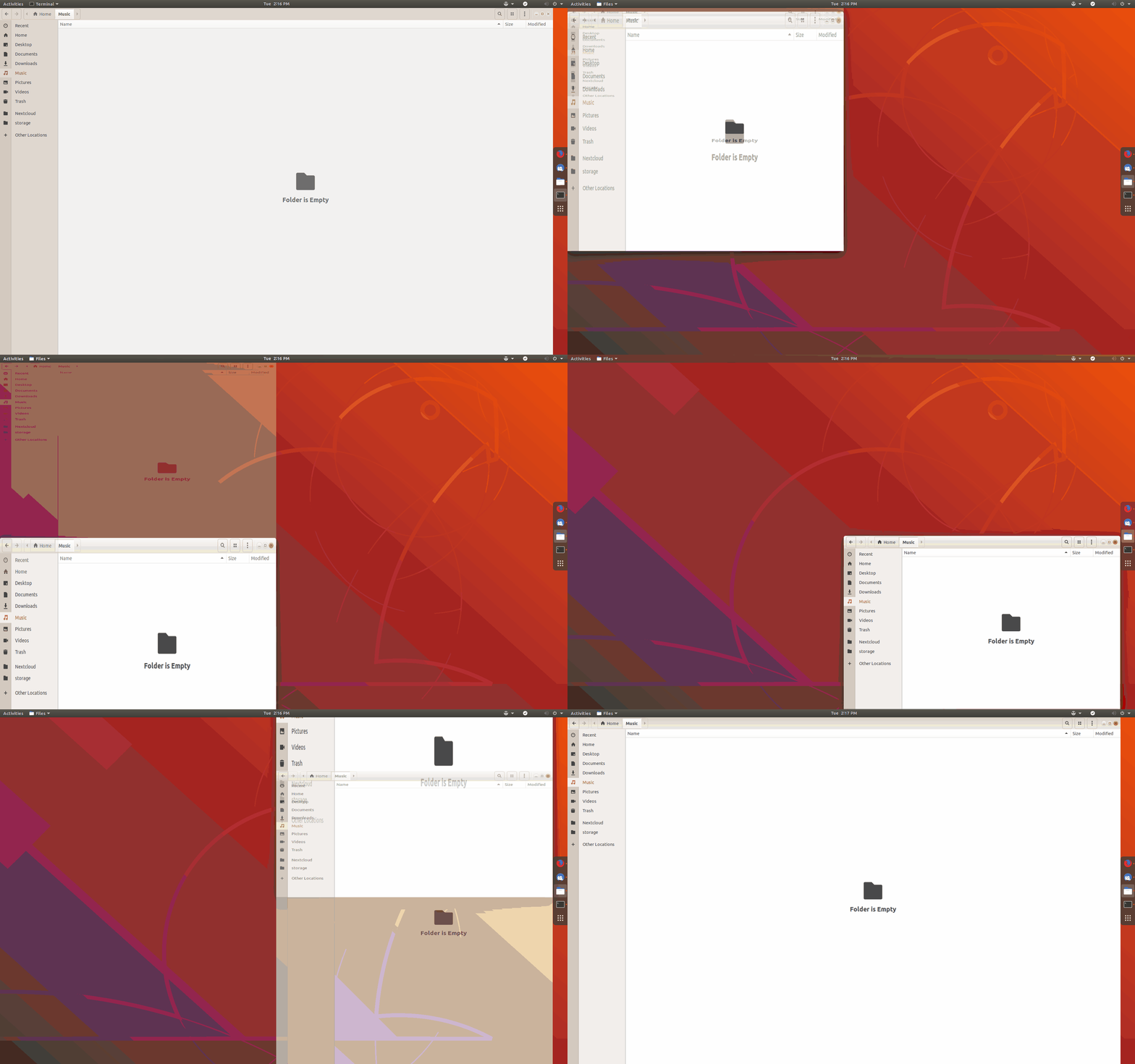
WinTile is a hotkey driven window tiling system for GNOME that imitates the standard Win-Arrow keys of Windows 10, allowing you to maximize, maximize to sides, or 1/4 sized to corner across a single or multiple monitors using just Super+Arrow. WinTile also supports: - 1-5 columns and 1-5 rows for standard or ultrawide monitors - Top/bottom half support - Mouse preview and snapping for placing windows - 'Maximize' mode, which adds/removes GNOME animations - 'Ultrawide-only' mode, to allow standard screens to have different cols/row than ultrawides - Portrait screens will automatically swap columns and rows - Add gaps around tiles to avoid the 'crowded elevator' feeling' - Ctrl+Super+Arrow to grow a tile in that direction if space is available - Ctrl+drag to drop a tile in a specific spot - Ctrl+Super+drag to draw a grid for the new tile
Unfortunately, to help prevent spam, we require that you log in to GNOME Shell Extensions in order to post a comment or report an error. You understand, right?
| Version | Status | Shell Versions |
|---|---|---|
| 21 | Active |
45
46
47
48
|
| 20 | Active |
45
46
47
|
| 19 | Active |
43
44
|
| 18 | Rejected |
45
46
47
|
| 17 | Rejected |
43
44
|
| 16 | Rejected |
43
|
| 15 | Active |
3.36
3.38
40
41
42
43
44
|
| 14 | Active |
3.36
3.38
40
41
42
43
44
|
| 13 | Active |
3.36
3.38
40
41
42
43
44
|
| 12 | Active |
3.36
3.38
40
41
42
43
44
|
| 11 | Rejected |
3.36
3.38
40
41
42
43
44
|
| 10 | Rejected |
3.28
3.30
3.34
3.32
3.36
3.38
40
41
42
43
44
|
| 9 | Rejected |
3.28
3.30
3.34
3.32
3.36
3.38
40
41
42
43
44
|
| 8 | Rejected |
3.28
3.30
3.34
3.32
3.36
3.38
40
41
42
43
|
| 7 | Active |
3.28
3.30
3.34
3.32
3.36
3.38
40.0
|
| 6 | Active |
3.28
3.30
3.34
3.32
|
| 5 | Active |
3.28
3.30
3.34
3.32
|
| 4 | Active |
3.28
3.30
3.34
3.32
|
| 3 | Inactive |
3.28
3.30
3.34
3.32
|
| 2 | Active |
3.28
|
| 1 | Rejected |
3.28
|
User Reviews
Loading reviews…