

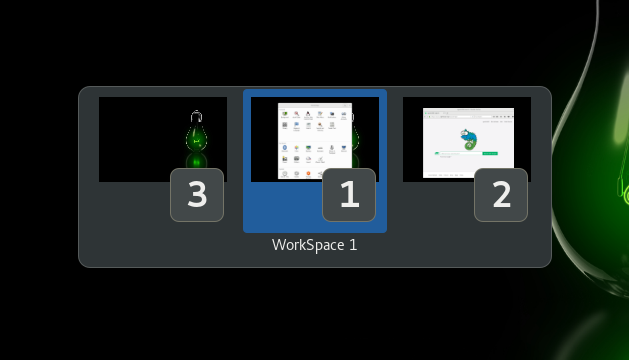
Switch workspace like using ALT+TAB key to switch windows Default shortcut key to switch workspace is Ctrl+Above_Tab .
Note: Binary files aren't shown on the web site. To see all files, please download the extension zipfile.
| Version | Status |
|---|---|
| 46 | Active |
| 45 | Active |
| 44 | Active |
| 43 | Active |
| 42 | Inactive |
| 41 | Inactive |
| 40 | Inactive |
| 39 | Active |
| 38 | Inactive |
| 37 | Active |
| 36 | Active |
| 35 | Inactive |
| 34 | Inactive |
| 33 | Inactive |
| 32 | Inactive |
| 31 | Inactive |
| 30 | Active |
| 29 | Inactive |
| 28 | Active |
| 27 | Inactive |
| 26 | Active |
| 25 | Inactive |
| 24 | Active |
| 23 | Active |
| 22 | Active |
| 21 | Inactive |
| 20 | Inactive |
| 19 | Inactive |
| 18 | Inactive |
| 17 | Inactive |
| 16 | Rejected |
| 15 | Rejected |
| 14 | Inactive |
| 13 | Inactive |
| 12 | Inactive |
| 11 | Inactive |
| 10 | Inactive |
| 9 | Inactive |
| 8 | Inactive |
| 7 | Inactive |
| 6 | Inactive |
| 5 | Inactive |
| 4 | Inactive |
| 3 | Rejected |
| 2 | Rejected |
| 1 | Rejected |
Is there a reason you are no longer disconnecting the signal handler from your GSettings object connected on line #53? All signal connections must be disconnected when an extension is disabled.
Sorry, it's my mistake. I will update it.
 Switch Workspace