

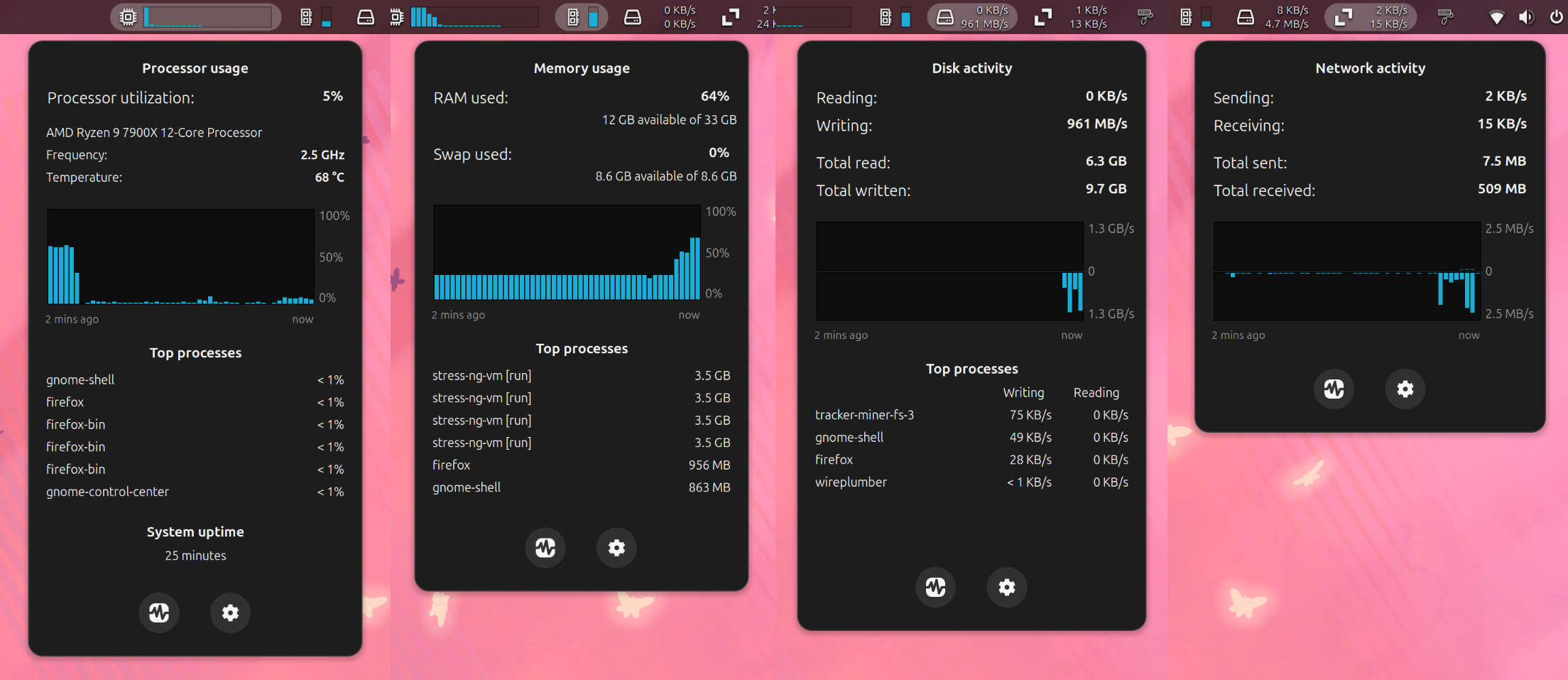
View CPU, memory, disk, and network activity in the GNOME top bar.
Note: Binary files aren't shown on the web site. To see all files, please download the extension zipfile.
| Version | Status |
|---|---|
| 24 | Active |
| 23 | Active |
| 22 | Active |
| 21 | Active |
| 20 | Active |
| 19 | Active |
| 18 | Active |
| 17 | Active |
| 16 | Rejected |
| 15 | Active |
| 14 | Active |
| 13 | Active |
| 12 | Rejected |
| 11 | Active |
| 10 | Active |
| 9 | Active |
| 8 | Active |
| 7 | Active |
| 6 | Active |
| 5 | Active |
| 4 | Active |
| 3 | Active |
| 2 | Active |
| 1 | Rejected |
1. You can import inside `fillPreferencesWindow` instead of try catch (line 20-25 prefs.js) 2. Remove logs or make it only available in debug mode: https://gjs.guide/extensions/review-guidelines/review-guidelines.html#no-excessive-logging
Thanks for the quick review and suggestions! I've made both of these changes, so they'll be included in the next release.
 TopHat