

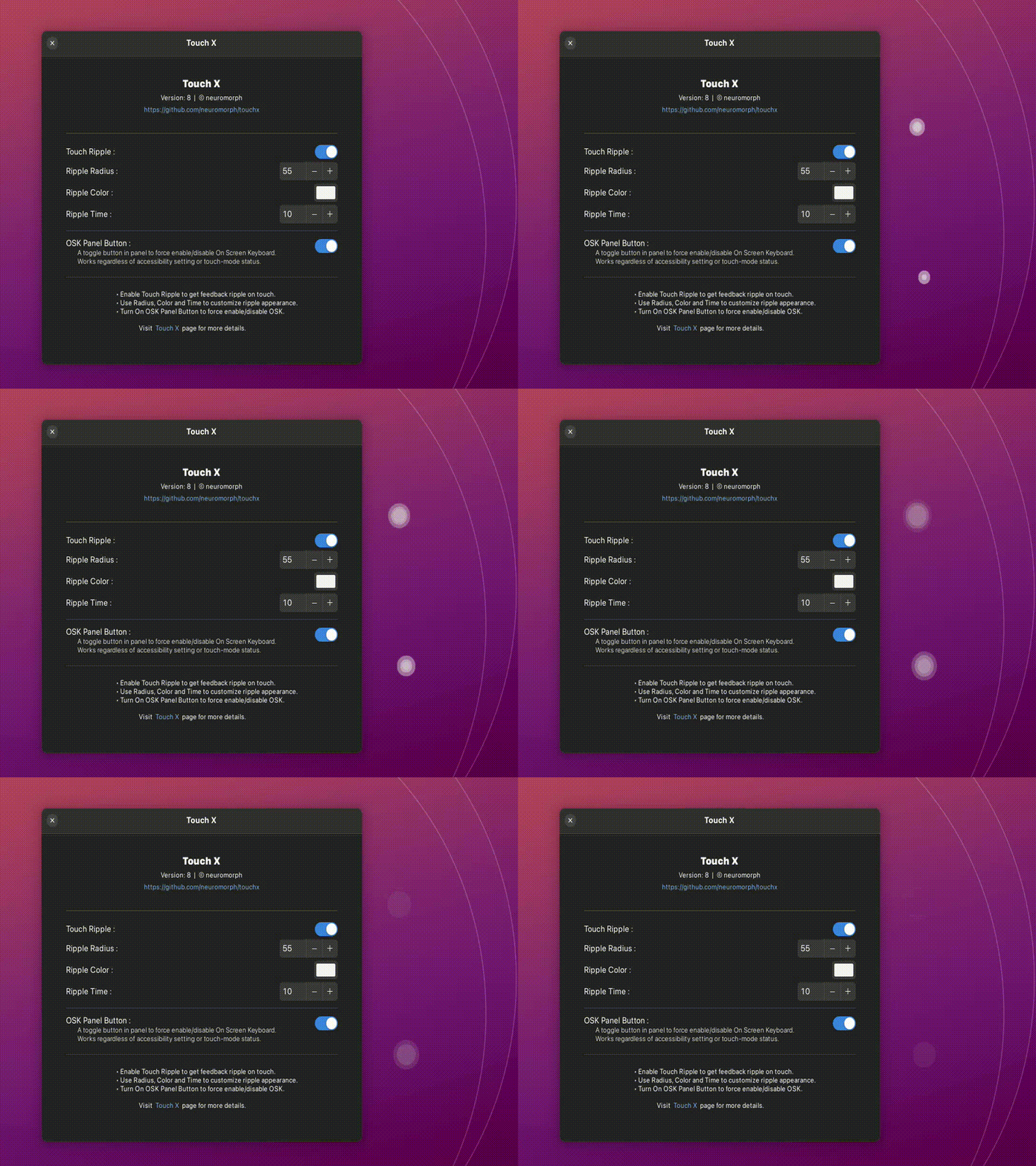
Touch screen ( touchscreen ) accessibility with touch feedback and OSK button. Currently supports multi-touch ripple feedback where the screen is touched. You can enable/disable the touch-feedback and set its size, duration and color as you see fit. Additionally, you can add a toggle button in the panel to force enable or force disable On Screen Keyboard ( OSK ). - When enabled, the OSK will pop up in input fields or with Gnome supported gestures. - When disabled, the OSK will not pop up at all. This works regardless of Touchscreen Accessibility settings and regardless of whether the screen is in touch mode or not ( laptop vs tablet etc ). Update: Multitouch support + Gnome 46 Other extensions: https://extensions.gnome.org/accounts/profile/neuromorph
Note: Binary files aren't shown on the web site. To see all files, please download the extension zipfile.
| Version | Status |
|---|---|
| 9 | Active |
| 8 | Active |
| 7 | Active |
| 6 | Rejected |
| 5 | Active |
| 4 | Active |
| 3 | Rejected |
| 2 | Active |
| 1 | Rejected |
 Touch X