

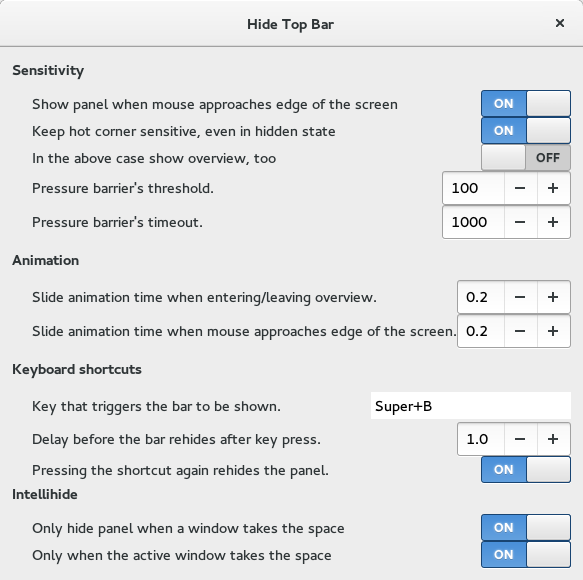
Hides the top bar, except in overview. However, there is an option to show the panel whenever the mouse pointer approaches the edge of the screen. And if "intellihide" is enabled, the panel only hides when a window takes the space. - Press backspace to remove keyboard shortcut. - Log off and on again when there is an error after upgrading.
Note: Binary files aren't shown on the web site. To see all files, please download the extension zipfile.
EGO-X-006 warning
extensions should not use lookupByURL or lookupByUUID for current extension access
Use `this`, `this.getSettings()` or `this.path` instead of `lookupByURL()` or `lookupByUUID()` for the current extension.
desktopIconsIntegration.js:72
Extension.lookupByURL(import.meta.url)
I followed the GNOME extension best practices to remove some issues with the coding style. Thanks go to @JustPerfection for double-checking! I hope I haven't missed anything. If you see anything else that still looks uncool, please point me to it and I will be happy to fix it.
Approved but please remove `this._isEnabled`: https://gjs.guide/extensions/review-guidelines/best-practices.html#lifecycle-and-destruction-state Also, the timeout cleanup in complicated without any good reason. Just holding the timeout ids in an array or object is the way to go.
For timeout, I mean the cleanup in `convenience.js`.
 Hide Top Bar